
Kubernetes Production-Readiness Checklist: 25 Checks Before You Go Live
25 checks across release safety, security, reliability, observability, backup and cost to confirm your Kubernetes platform is ready for real traffic.

5 min read
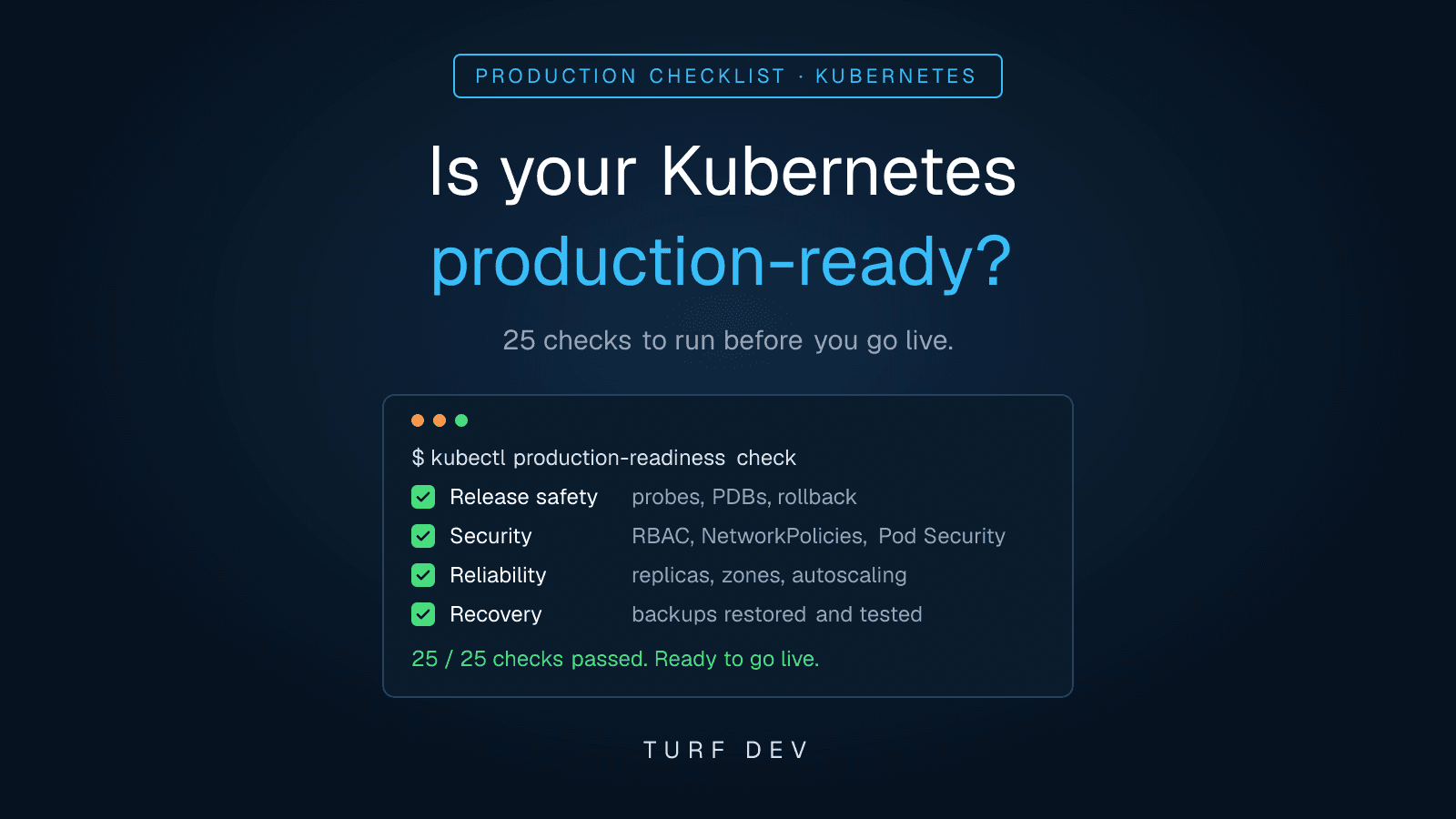
A Kubernetes cluster that runs is not the same as a cluster that is ready for production. Most outages we are called in to fix after a launch trace back to a small set of gaps: probes that check the wrong thing, a single replica on a single node, secrets in plain text, backups nobody has ever restored, or alerts that fire too late. None of them show up in a demo. All of them show up under real traffic.
This checklist is the one we use in client platform reviews. It covers 25 checks across six areas: release safety, security, reliability, observability, backup and recovery, and cost. Work through it before you send real users to a new cluster, and again before any major launch.
1. Release safety
These checks decide whether a bad deploy becomes a five-minute rollback or a long incident.
Readiness and liveness probes that test the right thing: readiness should confirm the pod can actually serve traffic (dependencies reachable, warm-up done); liveness should only catch a hung process. A liveness probe that calls the database will restart healthy pods during a database blip.
A rolling update strategy that keeps capacity: set maxUnavailable and maxSurge so a rollout never drops below the replicas you need at peak traffic.
PodDisruptionBudgets for every critical workload: without a PDB, a routine node drain or upgrade can evict every replica of a service at once.
Images pinned to a version or digest: never deploy :latest. You cannot roll back to a tag that has been overwritten.
A tested rollback path: know exactly how you revert: kubectl rollout undo, a Helm rollback or a GitOps revert. Practise it once before launch, not during the incident.
# Is the last rollout healthy, and can you go back?
kubectl rollout status deployment/api -n prod
kubectl rollout history deployment/api -n prod
kubectl rollout undo deployment/api -n prod --to-revision=<n>

# Which critical workloads have no PodDisruptionBudget?
kubectl get pdb -A
2. Security
A cluster that is reachable from the internet is tested by attackers within hours. These five checks close the most common entry points. For a full control-by-control review, see what a CIS Kubernetes Benchmark audit actually checks.
Least-privilege RBAC: no application or CI pipeline should run with cluster-admin. Give each service account only the verbs and resources it uses.
Default-deny NetworkPolicies: start every namespace from deny-all and allow only the traffic each service needs. Without this, one compromised pod can reach everything.
Pod Security Standards enforced: apply the restricted (or at least baseline) profile per namespace so containers cannot run as root, mount the host or escalate privileges.
Secrets kept out of Git and plain environment files: use encryption at rest for Secrets and, ideally, an external secret store. Rotate anything that was ever committed.
Scanned images from trusted registries: scan images in CI, block critical vulnerabilities, and only allow pulls from registries you control.
# Enforce the restricted Pod Security Standard on a namespace
kubectl label namespace prod \
  pod-security.kubernetes.io/enforce=restricted \
  pod-security.kubernetes.io/warn=restricted

# What can a service account actually do?
kubectl auth can-i --list --as=system:serviceaccount:prod:api3. Reliability
These checks decide how the platform behaves when a node, a zone or a traffic spike misbehaves. Uneven placement is a common cause of surprise outages; we covered one real case in why one Kubernetes node hit 96% utilization while another sat at 48%.
Requests and limits on every container: requests drive scheduling and autoscaling; without them the scheduler is guessing and noisy neighbours starve your service.
At least two replicas, spread across zones: use topologySpreadConstraints or pod anti-affinity so a single node or zone failure cannot take the service down.
Autoscaling that has been tested: configure the Horizontal Pod Autoscaler and the cluster autoscaler, then load-test to confirm new pods and nodes arrive in time.
Graceful shutdown: handle SIGTERM, add a short preStop delay and set terminationGracePeriodSeconds so in-flight requests finish during deploys and scale-downs.
An upgrade plan: know your Kubernetes version's end-of-support date, check for deprecated APIs and rehearse a node and control-plane upgrade on a non-production cluster.
spec:
  replicas: 3
  template:
    spec:
      topologySpreadConstraints:
        - maxSkew: 1
          topologyKey: topology.kubernetes.io/zone
          whenUnsatisfiable: DoNotSchedule
          labelSelector:
            matchLabels:
              app: api
      terminationGracePeriodSeconds: 30
      containers:
        - name: api
          resources:
            requests:
              cpu: 250m
              memory: 256Mi
            limits:
              memory: 512Mi
          lifecycle:
            preStop:
              exec:
                command: ["sleep", "5"]
4. Observability
If users tell you about an outage before your alerts do, the platform is not ready. Traffic problems in particular are hard to see without the right signals; see why a running pod may still not receive traffic.
Metrics for the golden signals: latency, traffic, errors and saturation for every user-facing service, plus node and cluster health.
Centralised, retained logs: logs from every pod shipped off the node and kept long enough to investigate an incident from last week.
Alerts on symptoms, with runbooks: page on what users feel (error rate, latency) rather than on every CPU spike, and link each alert to a short runbook.
A dashboard and target per service: one view per service showing its health against an agreed availability or latency target.
5. Backup and recovery
A backup you have never restored is a hope, not a plan.
Backups of cluster state and persistent volumes: back up Kubernetes objects and the data in persistent volumes, for example with Velero and volume snapshots, on a schedule.
A restore that has actually been tested: restore into a separate namespace or cluster and confirm the application works, not just that the backup job succeeded.
Documented recovery targets: agree how much data you can afford to lose (RPO) and how long you can be down (RTO), and check the setup meets both.
# Velero: confirm backups exist and rehearse a restore into a scratch namespace
velero backup get
velero restore create --from-backup <backup-name> \
  --namespace-mappings prod:restore-test
6. Cost
Cost problems rarely stop a launch, but they compound every month after it.
Requests right-sized from real usage: compare requests with actual usage after a week of traffic; over-requesting is the most common source of waste.
Idle resources cleaned up: remove orphaned volumes, unused load balancers and forgotten test environments.
Cost visible per team or service: label namespaces and workloads by owner so spend can be traced and discussed.
Summary: the 25 checks at a glance
| Area | Checks | Blocks go-live if failed |
|---|---|---|
| Release safety | 1 to 5 | Yes |
| Security | 6 to 10 | Yes |
| Reliability | 11 to 15 | Yes, for replicas and requests |
| Observability | 16 to 19 | Plan with a date |
| Backup and recovery | 20 to 22 | Yes |
| Cost | 23 to 25 | Plan with a date |
Where teams usually fall short
Probes copied from a tutorial that restart healthy pods under load.
One replica per service, or several replicas packed onto the same node.
No NetworkPolicies, so every pod can talk to every other pod.
Backups configured but never restored.
Alerts on CPU and memory, but nothing on error rate or latency.
Get the one-page checklist
We have condensed these 25 checks into a one-page checklist you can print or share with your team. Request it from the Turf Dev homepage and we will email it to you.
If you would rather have someone work through it with you, our Kubernetes security audit, platform build and managed Kubernetes engagements all start from this list. Or book a free 30-minute architecture review and we will look at your setup and point out the top risks and quick wins.
1 of 2 sections shown
Discussion
Have a question or something to add? Share it below.
No comments yet. Be the first to join the discussion.