
How to Patch GitLab Critical RCE on VMs, Docker and Kubernetes
Plan GitLab upgrade stops, back up configuration and secrets, deploy patched releases on Omnibus, Docker or Helm, and verify the result.

4 min read
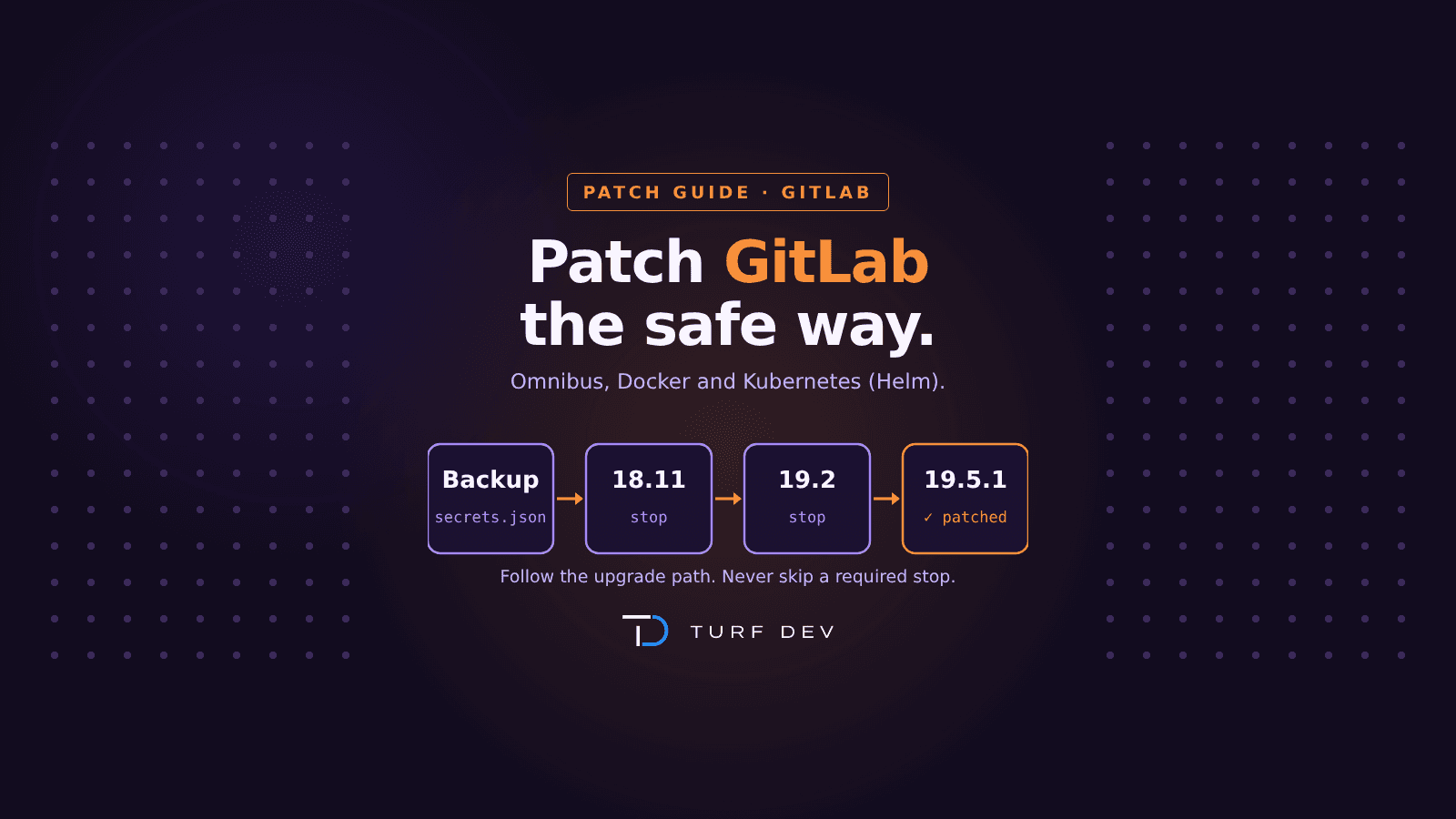
GitLab shipped four critical fixes in six weeks, including CVE-2026-110264, an unauthenticated remote code execution flaw rated CVSS 10.0, and CVE-2026-85706, a file-read flaw that is already exploited and in CISA's Known Exploited Vulnerabilities catalog. GitLab.com and GitLab Dedicated are patched. Self-managed instances are not. This guide shows how to upgrade safely on Omnibus, Docker and Kubernetes.
If you missed the background, read our breakdown of the October 2026 2Shell attacks first.
Before you start: what "patched" means
The patched releases from 21 October 2026 are:
19.5: 19.5.1
19.4: 19.4.3
19.3: 19.3.6
19.2: 19.2.9
19.1: 19.1.9
19.0: 19.0.10
18.11: 18.11.13
18.10 and older have no fix. Upgrade to 18.11.13 or later.
The four flaws these releases cover:
CVE-2026-110264 (CVSS 10.0): unauthenticated RCE through GitLab's regular expression compiler.
CVE-2026-85706 (CVSS 10.0): unauthenticated file read through the repository commits API. Exploited in the wild.
CVE-2026-97229 (CVSS 10.0): code execution through a crafted regex in .gitlab-ci.yml.
CVE-2026-90970 (CVSS 9.9): command execution in the self-hosted AI Gateway.
Step 0: Plan the upgrade path and back up
Check your current version:
sudo gitlab-rake gitlab:env:infoCreate a full backup:
sudo gitlab-backup createCopy the secrets and config files. The backup does not include them, and you cannot restore without them.
sudo cp /etc/gitlab/gitlab-secrets.json /etc/gitlab/gitlab.rb /root/gitlab-config-backup/Before moving to the next stop, make sure background migrations have finished:
sudo gitlab-rake gitlab:background_migrations:listSingle-node instances will have downtime while migrations run. Plan a maintenance window.
Part 1: Patch GitLab on a VM (Omnibus)
Debian and Ubuntu
Pin the exact version. A plain upgrade can skip required stops.
GitLab Enterprise Edition:
sudo apt update && sudo apt install gitlab-ee=19.5.1-ee.0GitLab Community Edition:
sudo apt update && sudo apt install gitlab-ce=19.5.1-ce.0RHEL, AlmaLinux and Oracle Linux
sudo dnf install gitlab-ee-19.5.1-ee.0.el9Use .el8 at the end on EL8 systems.
Replace 19.5.1 with the fixed version on your line, or with the next required stop on your path.
Verify on the VM
Check the installed version:
grep gitlab /opt/gitlab/version-manifest.txtCheck that all services are running:
sudo gitlab-ctl statusPart 2: Patch GitLab in Docker
Pull the fixed image:
docker pull gitlab/gitlab-ee:19.5.1-ee.0With Docker Compose, change the image tag in docker-compose.yml to the fixed version, then pull it:
docker compose pullRecreate the container:
docker compose up -dCheck the version inside the container:
docker exec -it gitlab grep gitlab /opt/gitlab/version-manifest.txtPart 3: From Docker to Kubernetes — patch with Helm
The chart versions for the fixed releases:
GitLab 19.5.1: chart 10.5.1
GitLab 19.4.3: chart 10.4.3
GitLab 19.3.6: chart 10.3.7
GitLab 19.2.9: chart 10.2.9
GitLab 18.11.13: chart 9.11.14
Step 1: Update the chart repository.
helm repo updateStep 2: Upgrade to the fixed chart.
helm upgrade gitlab gitlab/gitlab --version 10.5.1 -f values.yaml -n gitlabStep 3: Watch the pods and the migrations job.
kubectl get pods -n gitlab -wStep 4: Confirm the deployed chart version.
helm list -n gitlabIf you use the GitLab Operator, upgrade the Operator first, then set the new chart version in the GitLab custom resource, one minor release at a time.
Verify from anywhere
Call the version API with a personal access token:
curl --header "PRIVATE-TOKEN: <your-token>" https://gitlab.example.com/api/v4/versionAfter the upgrade
Rotate secrets if you were exposed. CVE-2026-85706 lets attackers read server files without logging in.
Check the logs for signs of attack:
Unusual requests to the repository commits API in production_json.log.
Repeated Timeout::Error entries from the Org renderer in exceptions_json.log.
Worker crash reports mentioning org-ruby or Onigmo in puma_stderr.log.
If you find signs of code execution, treat the instance as compromised and keep the logs before restarting anything.
Can't patch today?
Take the instance off the public internet or put it behind a VPN.
Turn off public projects and open sign-ups.
Disable the self-hosted AI Gateway if you don't use it.
Watch the logs listed above every day until you upgrade.
Quick checklist
Upgrade path planned, backup taken, and gitlab-secrets.json saved
Every required stop installed in order, with background migrations finished
GitLab running a fixed release: 19.5.1, 19.4.3, 19.3.6, 19.2.9, 19.1.9, 19.0.10 or 18.11.13
Helm chart on the matching version, and the migrations job completed
Version confirmed through the API or version manifest
Tokens, CI/CD variables and keys rotated if the instance was exposed
How Turf Dev can help
GitLab holds your source code, pipelines and deploy credentials, so a compromise reaches everything you ship. Turf Dev helps teams plan and run safe GitLab upgrades, review CI/CD secrets and runner exposure, and harden the platform around it. If you want a second pair of eyes on your GitLab upgrade, reach out at turfdev.in.
1 of 4 sections shown
Discussion
Have a question or something to add? Share it below.
No comments yet. Be the first to join the discussion.